Rolling Number
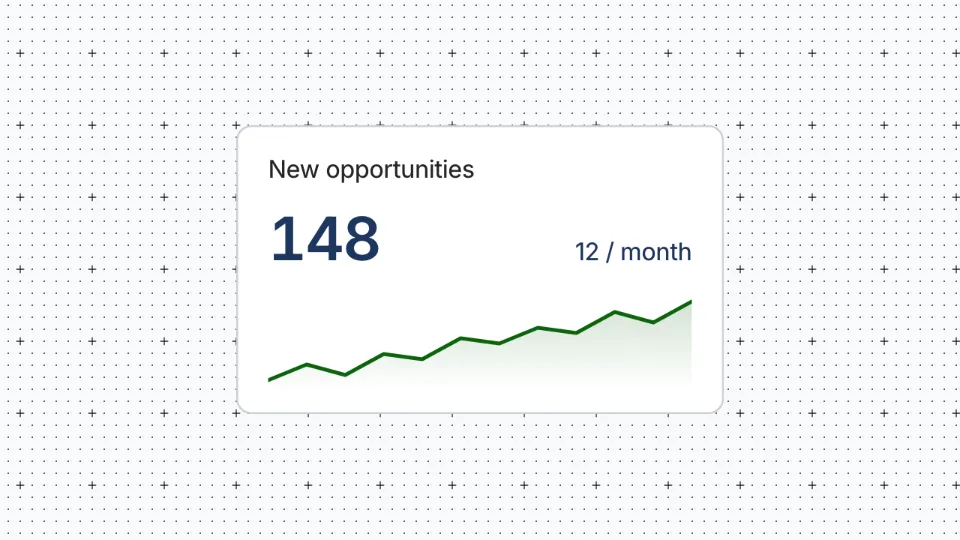
A number whose changed digits roll to their new values: up when it rises, down when it falls. Counts, badges and stat figures use it, so a change is seen rather than just swapped.
BetaReady to use. Its API can still change in a minor release; the changelog says when.
import { RollingNumber } from "@leap-crm/design-system";Playground
Change a prop and the component follows. Its code is under Props.
Props
Best practices
When to use it, and the rules that apply in particular places.
| Guidance | Practice |
|---|---|
| Do | Use it for a figure that can change while the reader watches, like a count of open opportunities or a dashboard total, so the change is seen. |
| Do | Pass format for currency or units, or pass text like $12,400 or 99+. Signs and separators hold still while the digits roll. |
| Do | Keep the same RollingNumber mounted as its value changes. A remounted one, like one under a new key, shows the new value without rolling. |
| Don't | Use it for a number that identifies something, like a matter number or a phone number. It never rises or falls; show it as plain text. |
Props
| Prop | Type | Default | Description |
|---|---|---|---|
| value * | number | string | — | The number, or its text like "$12,400" or "99+": every digit rolls, everything else holds still. |
| format | (value: number) => string | (value: number) => Math.round(value).toLocaleString("en-AU") | How a number reads as text. Whole numbers with thousands separators by default. |
| className | string | — | Classes added to the root element, merged with its own. Tokens only. |
Code
What the playground shows, ready to copy.
import { RollingNumber } from "@leap-crm/design-system";

<RollingNumber value={1180} />
Rising and falling
Only the digits that changed move, each a beat behind the one to its right. A new leading place opens its space smoothly, and digits are tabular, so nothing beside the number shifts.
Formatted
Pass format for currency or units; signs and separators hold still while the digits roll. Screen readers hear the final value only.
What the examples share
The imports and the scaffolding the examples above call. The scaffolding lives in this page, not in the library.
import { useState } from "react";

import { Button, RollingNumber } from "@leap-crm/design-system";

function Counter({ start, step }: { start: number; step: number }) {
  const [value, setValue] = useState(start);
  return (
    <div className="flex items-center gap-3">
      <span className="text-heading-lg text-brand-navy min-w-32 font-semibold">
        <RollingNumber value={value} />
      </span>
      <Button intent="outline" size="sm" onClick={() => setValue(value - step)}>
        Down
      </Button>
      <Button intent="outline" size="sm" onClick={() => setValue(value + step)}>
        Up
      </Button>
    </div>
  );
}

const money = (value: number) =>
  (value / 100).toLocaleString("en-AU", {
    style: "currency",
    currency: "AUD",
    maximumFractionDigits: 0,
  });

function Money() {
  const [cents, setCents] = useState(1_240_000);
  return (
    <div className="flex items-center gap-3">
      <span className="text-title text-neutral-text min-w-32 font-semibold">
        <RollingNumber value={cents} format={money} />
      </span>
      <Button
        intent="outline"
        size="sm"
        onClick={() => setCents(cents + 87_500)}
      >
        Add a fee
      </Button>
    </div>
  );
}