Note composer
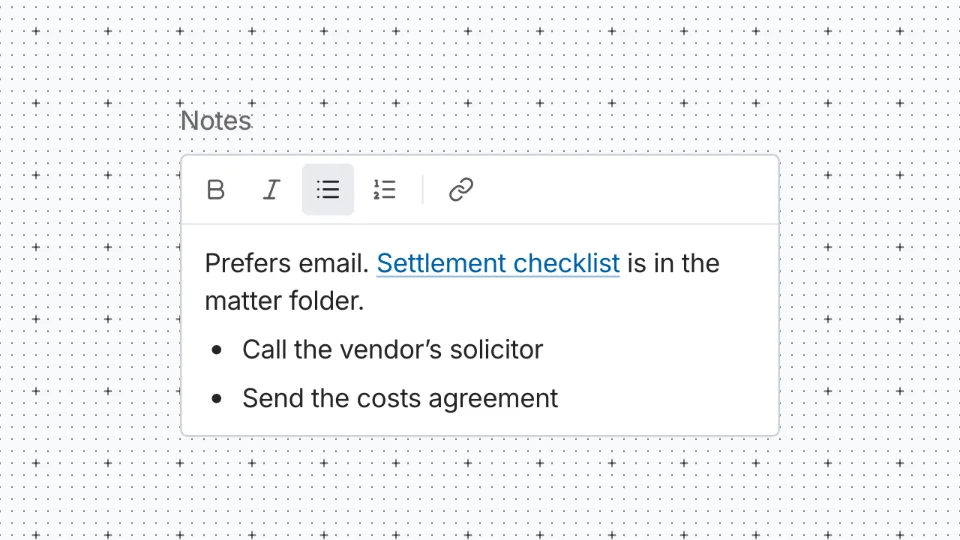
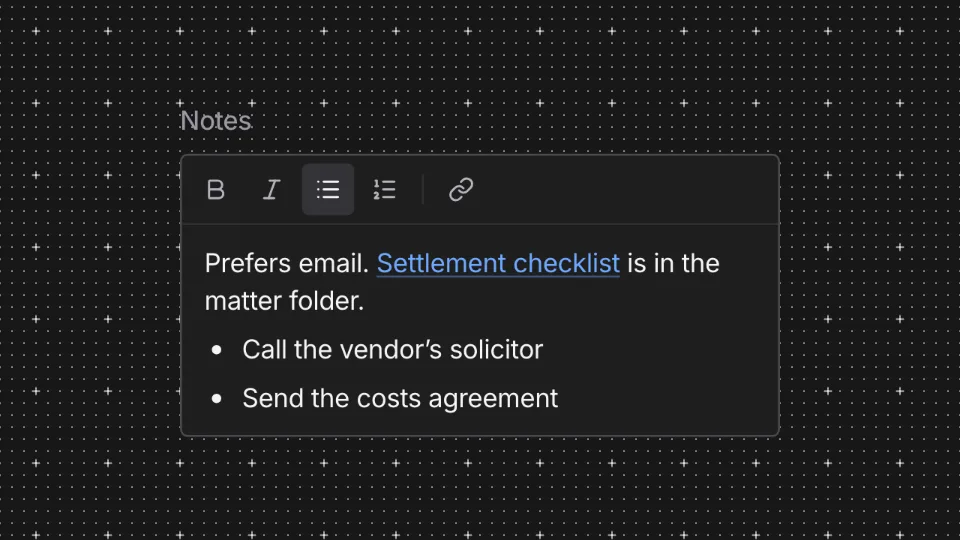
Writing a note in plain language. The first line is the title: words we recognise (called, met with or emailed someone, a contact's name, @colleagues) are underlined as you type, and a “Will save” line reads back exactly what will be saved, defaults included. A name that matches two contacts is asked about, people on this matter first. Enter moves to the note, ⌘↵ saves and Escape closes it keeping the draft. parseNoteSentence is the pure reader behind it. A new note never takes the highlight.
BetaReady to use. Its API can still change in a minor release; the changelog says when.
LEAP CRMBuilt for the CRM from the core library. It knows about the CRM's own records, so it isn't a general building block.
import { NoteComposer, parseNoteSentence } from "@leap-crm/design-system";The writing row
Try “Called Tom about the deposit”, then “@Mia” in the note. “Called Rose” asks which Rose.
Open
What the examples share
The imports and the scaffolding the examples above call. The scaffolding lives in this page, not in the library.
import { NoteComposer } from "@leap-crm/design-system";

const contacts = [
  { id: "c1", name: "Rose Citizen", onMatter: true },
  { id: "c2", name: "Rose Tan" },
  { id: "c3", name: "Tom Clarke", onMatter: true },
];

const people = [
  { id: "p1", name: "Mia Gold", initials: "MG" },
  { id: "p2", name: "Sam Evans", initials: "SE" },
];

const matter = { id: "m1", label: "14 Hill St purchase" };
Best practices
When to use it, and the rules that apply in particular places.
| Guidance | Practice |
|---|---|
| Do | Pass contacts, people and matter, so the composer can tell who a note is about, who to tag, and which matter to save a note on when it names no contact. |
| Do | Pass it as NoteGrid's composer, so the writing row sits above the note tiles, or under “No notes yet” when there are none. |
| Do | Leave defaultOpen off in a workspace, where the composer is one “Write a note” row until pressed. Set it on a page made for writing notes. |
| Don't | Add a kind picker or a contact picker beside it. The kind, the contact and @tags come from the sentence, and the “Will save” line reads them back before the lawyer saves. |
| Don't | Highlight the note just written. A new note never takes the highlight; set NoteGrid's target only when someone is taken to a note. |
Props
| Prop | Type | Default | Description |
|---|---|---|---|
| contacts | unknown | [] | Contacts a note can be about, matched by name as you write. |
| people | unknown | [] | Staff who can be tagged with @. |
| matter | { id: string; label: string } | — | The matter the note is written on, where it's saved when it isn't about a contact. |
| onSave * | (draft: NoteDraft) => void | — | Saves the note. |
| defaultOpen | boolean | false | Opens with the editor showing, as on a page made for writing. |
| className | string | — | Classes added to the root element, merged with its own. Tokens only. |
Keyboard
The keys it answers to. Tab moves between components, arrows move within them.
| Keys | What they do |
|---|---|
| Enter | In the title, moves to the body. |
| Ctrl + Enter⌘ + Enter | Saves the note. |
| Escape | Closes the composer. |