Guide Card
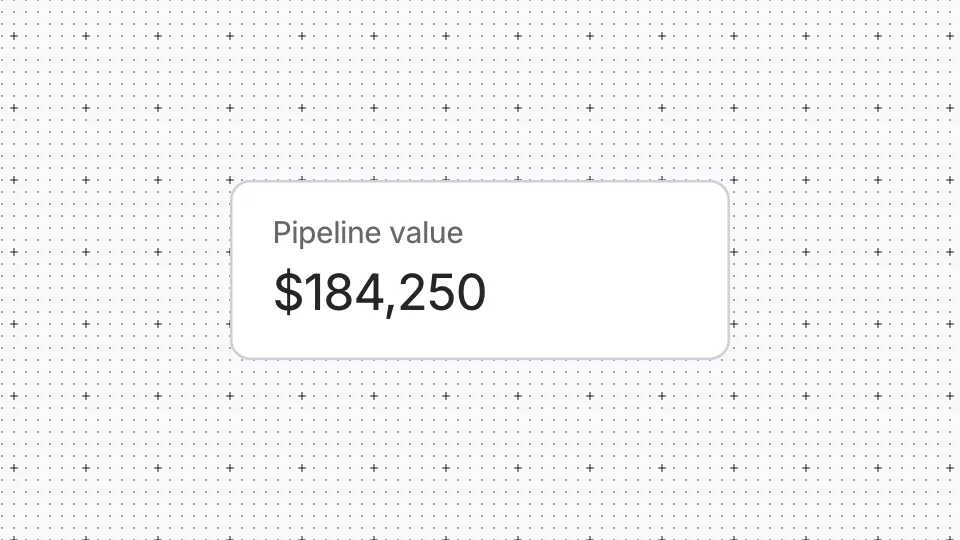
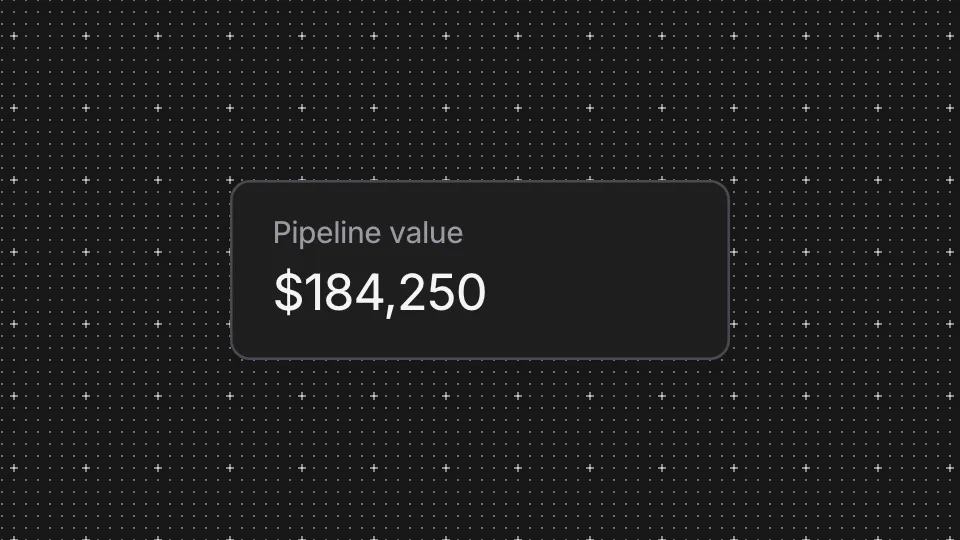
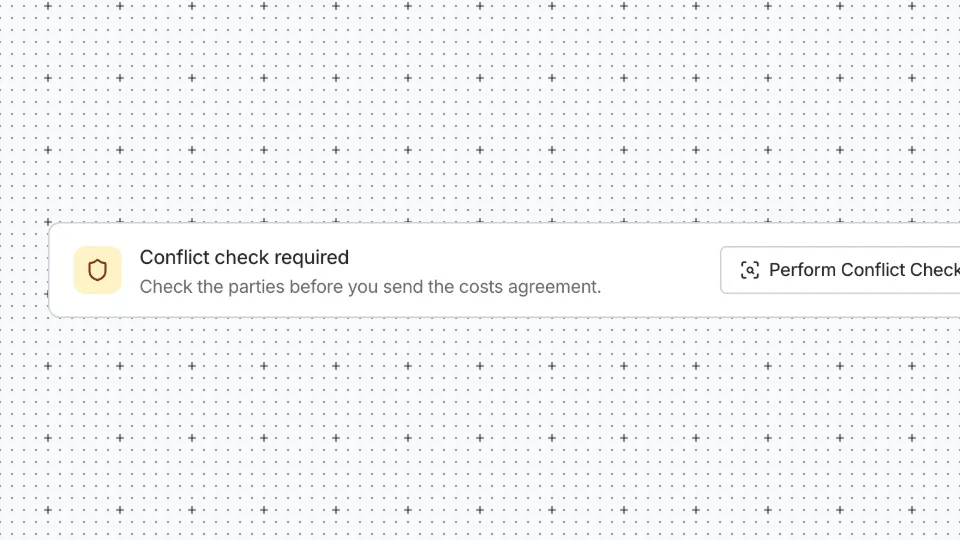
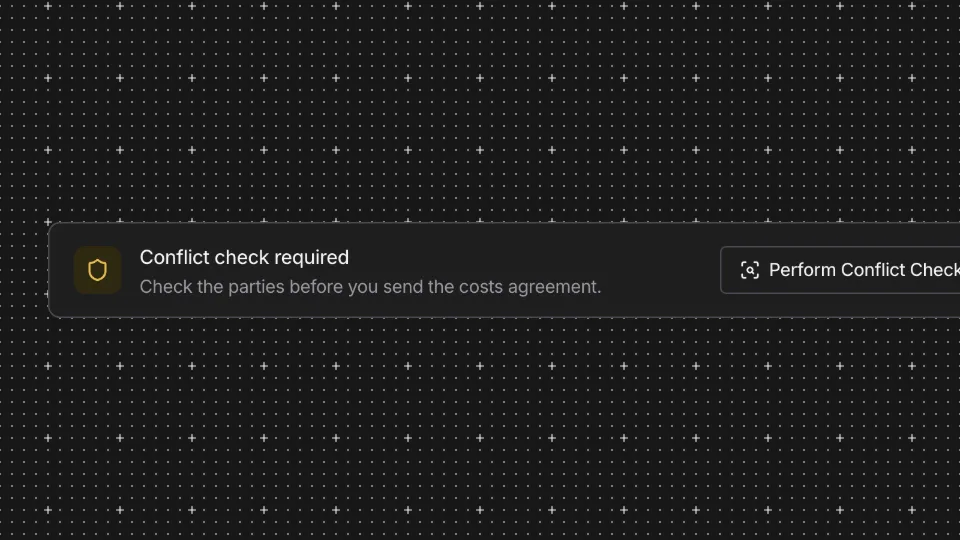
A card that offers a guide or setup flow: a faint info glow from the bottom-right corner, the icon repeated as a 3% watermark, a 40 px tile, a title and teaser, and the button that opens it. Only the button acts; the card itself is not a control.
BetaReady to use. Its API can still change in a minor release; the changelog says when.
import { GuideCard } from "@leap-crm/design-system";Playground
Change a prop and the component follows. Its code is under Props.
Convert to a matter
What happens when an opportunity becomes a LEAP matter.
Props
title
cta
icon
teaser
Best practices
When to use it, and the rules that apply in particular places.
| Guidance | Practice |
|---|---|
| Do | Use it to offer a setup flow a firm hasn't finished, like sending enquiries into the CRM, with a teaser of one or two lines on what it sets up. |
| Do | Pass a link to render when the guide opens another page, so the button behaves as a link. |
| Do | Set cta to say what the button opens when several guides sit together, like "Set up webhook". The title already tells their buttons apart for screen readers. |
| Don't | Make the whole card clickable. Only the button acts, so there is one focus stop with one name. |
| Don't | Use it to show a record or a figure. Use Card, or StatCard for a figure; the info glow and watermark mark this card as an offer, not data. |
Props
onClick, disabled and render (pass a link when it navigates) go to the button.
| Prop | Type | Default | Description |
|---|---|---|---|
| icon * | ReactNode | — | The guide's icon: in the 40 px tile, and again as the faint watermark. |
| title * | ReactNode | — | The guide's name, in the card's heading line. |
| teaser * | ReactNode | — | One or two lines on what the guide sets up. |
| cta | string | "Open guide" | The button's words. `onClick`, `render` (a link when it navigates) and `disabled` go to this button. |
| className | string | — | Classes added to the root element, merged with its own. Tokens only. |
Code
What the playground shows, ready to copy.
import { GuideCard, PlusIcon } from "@leap-crm/design-system";

<GuideCard
  title="Convert to a matter"
  icon={<PlusIcon />}
  teaser="What happens when an opportunity becomes a LEAP matter."
/>
Keyboard
The keys it answers to. Tab moves between components, arrows move within them.
| Keys | What they do |
|---|---|
| Tab | Moves through its buttons in order. |
| EnterSpace | Presses the focused button. |