Breadcrumbs
Where a page sits: each level up as a link, separated by chevrons, then the current page as plain text. Past maxVisible, the middle levels fold into a … menu, keeping the first level and those nearest the page. Long labels clip with their full text on hover.
BetaReady to use. Its API can still change in a minor release; the changelog says when.
import { Breadcrumbs } from "@leap-crm/design-system";Playground
Change a prop and the component follows. Its code is under Props.
Props
Best practices
When to use it, and the rules that apply in particular places.
| Guidance | Practice |
|---|---|
| Do | Use it on a page that sits below other pages, like a contact's documents under the contact under Contacts. The last item is the current page and never links. |
| Do | Pass your router's Link as each crumb's render, so going up a level stays inside the app. |
| Do | Keep long labels whole, like a trust's full name. Each crumb clips through Truncate and shows the full label on hover. |
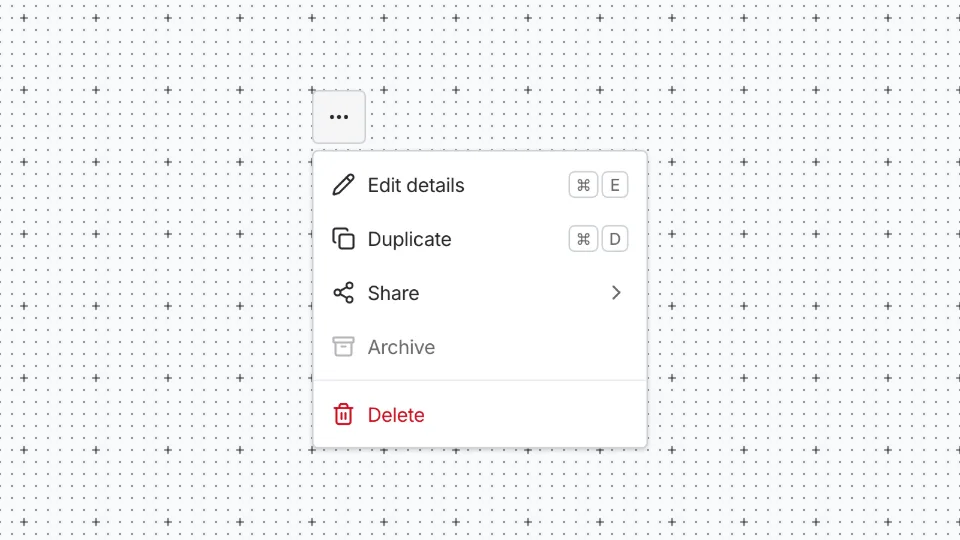
| Do | Lower maxVisible where the header is narrow. The middle levels fold into a … menu and the first level and those nearest the page stay. |
| Don't | Use it to move between views of one record, like a contact's details and documents. Use Tabs or UnderlineTabs: breadcrumbs show levels, not siblings. |
Props
| Prop | Type | Default | Description |
|---|---|---|---|
| items * | Breadcrumb[] | — | From the top level down to the current page, which comes last. |
| maxVisible | number | 4 | How many crumbs show before the middle ones fold into a menu. |
| aria-label | string | "Breadcrumb" | Names the navigation. |
| className | string | — | Classes added to the root element, merged with its own. Tokens only. |
Code
What the playground shows, ready to copy.
import { Breadcrumbs } from "@leap-crm/design-system";

<Breadcrumbs items={items} />
Levels
Contacts, then the contact, then the page you're on.
Folded
Six levels with maxVisible={4}: the first level, the … menu holding the middle three, the level above the page, and the page.
Keyboard
The keys it answers to. Tab moves between components, arrows move within them.
| Keys | What they do |
|---|---|
| Enter | Follows the focused crumb. |
| EnterSpaceArrowDown | On the ⋯ button, opens the menu of hidden crumbs with focus on the first. |
| Escape | Closes that menu and returns focus to the ⋯ button. |